

I’ve spent more than a decade in WordPress, SEO, and digital marketing. Most of that time, I wrote content and planned marketing for established brands. Video showed up in almost every plan I touched.
And almost every time, getting that video onto a WordPress site felt harder than it should.
That gap is why I built Ink Player. I co-founded it with the team at Brighter Fox, so read this as a founder’s story, not a neutral review.

WordPress video needed more than one block
The default video block in WordPress covers the basics. You upload a file, add a poster image, and switch on autoplay, loop, or captions. For anything serious, it runs out of road fast.
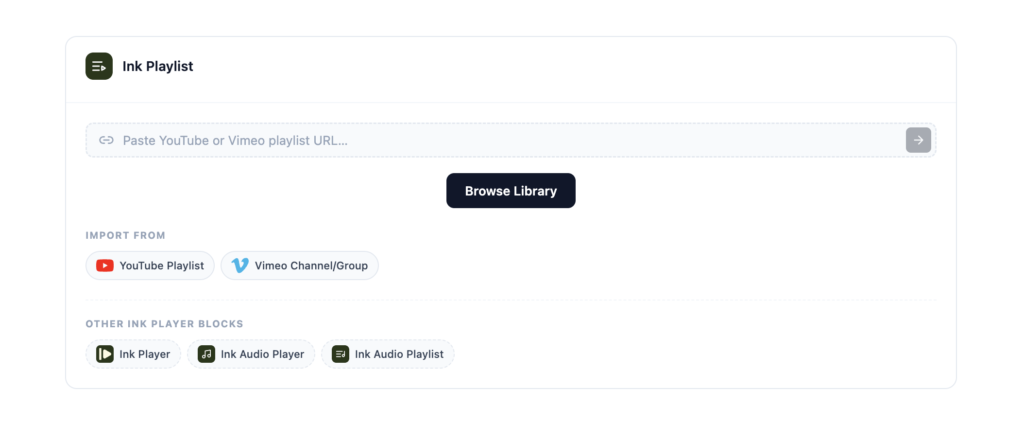
There’s no playlist block. No chapters, no branded skins, no calls to action, and no way to see who watched.
Meanwhile, people use video for almost everything. Product promos. Online courses. Team training. Tutorials and sales pages. Each of those needs more than a play button.
Presto Player showed what was possible
Plugins stepped in to fill the gap. Presto Player was the pioneer, and it deserves full credit for that. It proved WordPress users wanted a real video player, not just a file in a frame.
Other plugins followed the path, and each one solves part of the problem in its own way.
So when I got the chance to build a product, I didn’t pick an empty market. I picked one I knew well, where I could see exactly what I’d do differently.
Two rules I set from day one
Rule one: it had to feel fresh. Too many WordPress plugins feel cluttered the moment you open their settings. I wanted a dashboard you actually enjoy opening.
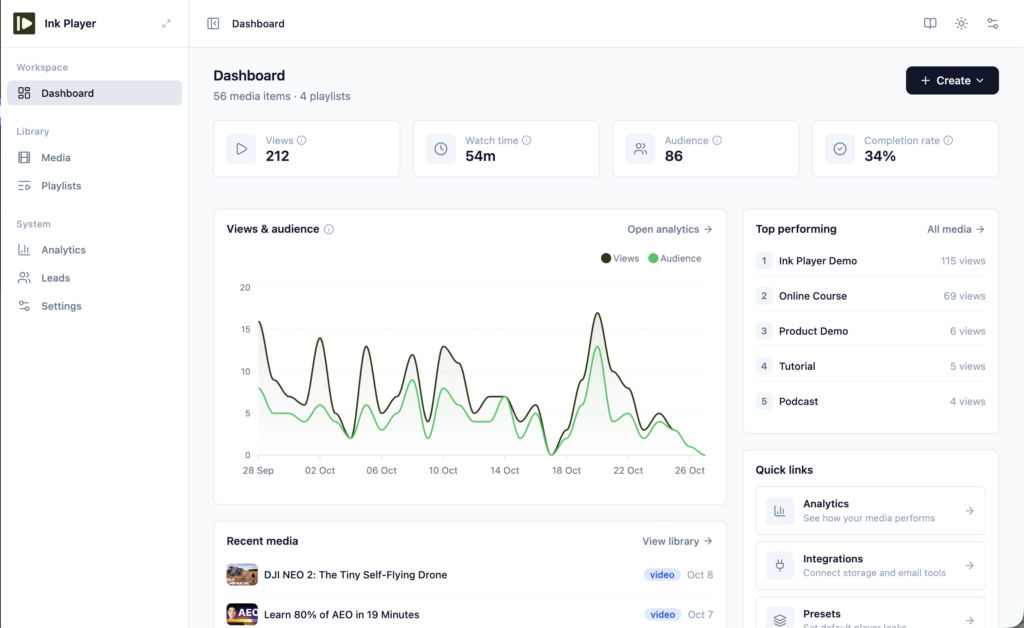
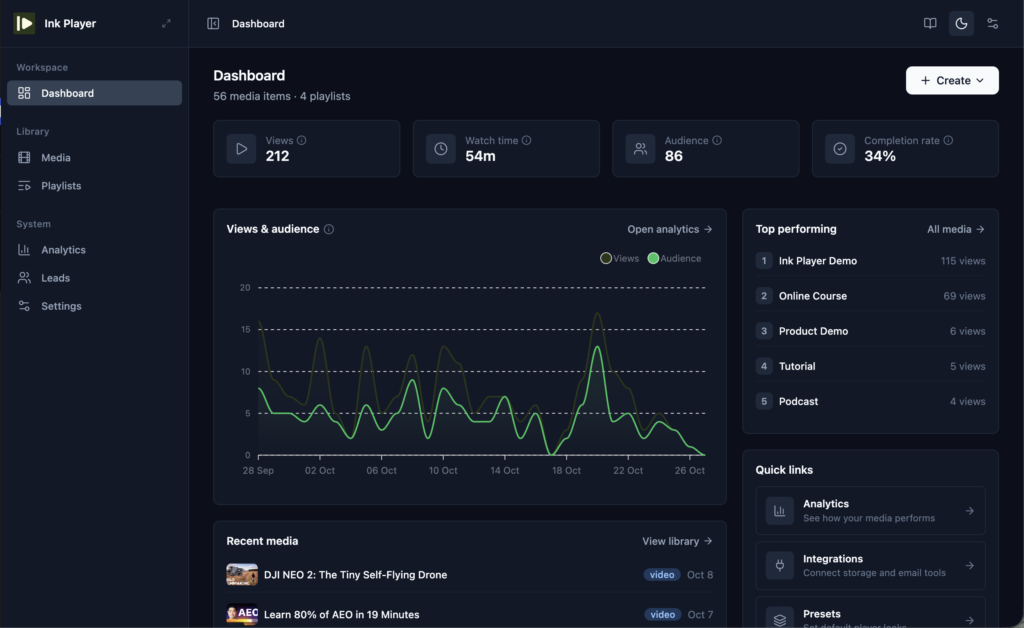
So Ink Player runs on a clean, modern admin with three areas: Dashboard, Library, and System. Everything you need sits one or two clicks away.
Rule two: it had to do more than the alternatives. Matching them wasn’t enough. Every feature had to solve a problem I’d run into in real marketing work.
Add your media from anywhere
This was the first thing I wanted to fix. Adding a video to Presto Player’s Media Hub takes you to a post-style editing screen. You name it, pick a source, paste the URL, and click Publish.

It works. But it never felt quick to me, and I found the customization options limited.
In Ink Player, you add media straight from the plugin’s own Library. You can also add it while you write a post or page, right inside the editor. Either way, it lands in the same place.
Every video or audio file becomes one media record. Your blocks, shortcodes, page builder widgets, playlists, and embeds all point to that record. Edit it once, and every placement updates.
I also wanted the blocks to be obvious. Ink Player gives you four, one for each job:
- Ink Player for a single video
- Ink Audio Player for a single audio file
- Ink Playlist for a video playlist
- Ink Audio Playlist for an audio playlist
Prefer shortcodes? [ink_player id="123"] and [ink_playlist id="45"] do the same job.
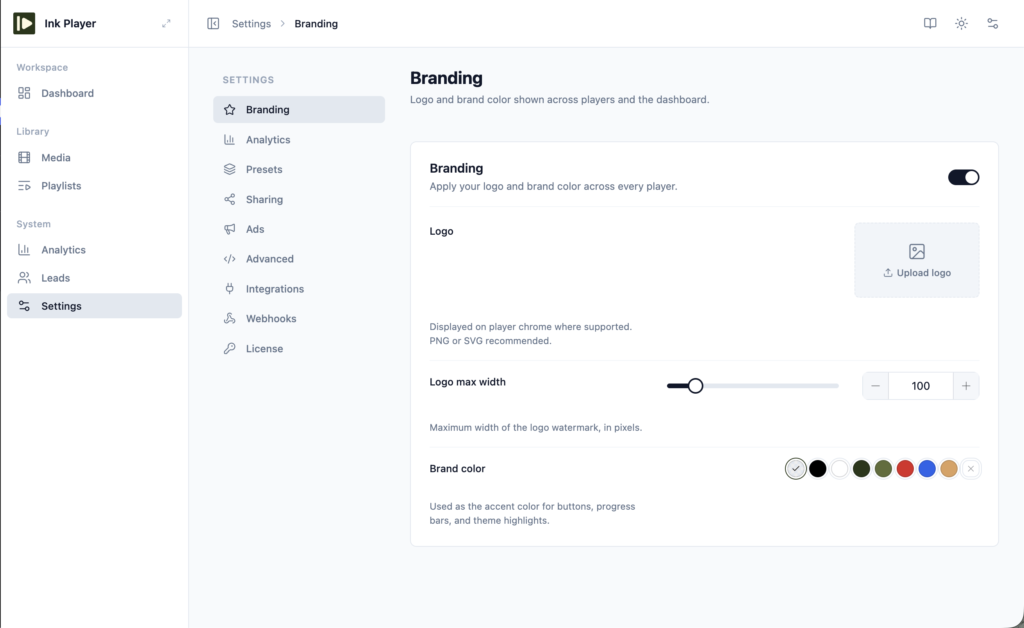
The small things I’m proud of
Some features never make a headline. They just save you time every week.
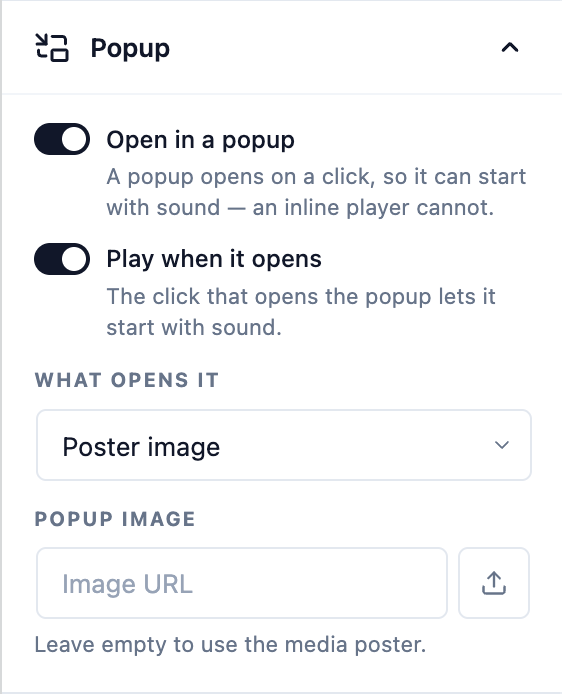
Video popups. We added these in version 1.0.3, and we haven’t written much about them yet. Use a poster image, a button, or a text link as the trigger. Nothing loads until a visitor clicks, which keeps the page light, and the video can play with sound because the click starts it.
One player for every source. Self-hosted uploads, YouTube, Vimeo, Bunny.net, Mux, Cloudflare Stream, Cloudflare R2, and direct MP4, HLS, or DASH links all get the same skins, controls, and branding. Your visitors see one consistent player, wherever the file lives.
An easy way in. Already on Presto Player or FluentPlayer? Ink Player imports your media, playlists, presets, collected emails, and analytics history. It never touches your old plugin, and you can undo the import with one click.
You can check out the features page to learn more about the powerful features Ink Player provides.

Integrations to do more: Ink Player comes with 18 integrations that cover email marketing tools, LMS plugins, streaming platforms, and more. ActiveCampaign, FluentCRM, LearnDash, Elementor, and Google Analytics are a few of them.
Where Ink Player goes from here
Ink Player launched in September 2026 and is on version 1.0.3. It’s young, and I won’t pretend otherwise.
Some parts are still growing. YouTube and Vimeo videos can’t be fully locked down because the stream lives on their servers. If you need protected video today, use Bunny.net, Mux, or Cloudflare with signed playback.
What won’t change is the idea behind it. Make video on WordPress simpler, better-looking, and more useful for the people who depend on it. We’d rather be the player you trust than the biggest one.
If that sounds like what you’ve been missing, watch the demo and see it for yourself. When you’re ready, get Ink Player.
Have a question or a suggestion in mind? I’m one message away.
